Appearance
First Login
Setup screen
When you visit /admin for the first time (or after a user reset), CometCMS shows the setup screen instead of the login page.
Enter a username and password (minimum 8 characters), then choose the first workspace name (optional custom slug).
Submitting setup creates:
- The initial admin account.
- The initial workspace.
- The default workspace assignment (used as the admin workspace fallback when
X-Comet-Workspaceis not set).
This admin account is the only account that can access the panel until more users are added.
Admin URL
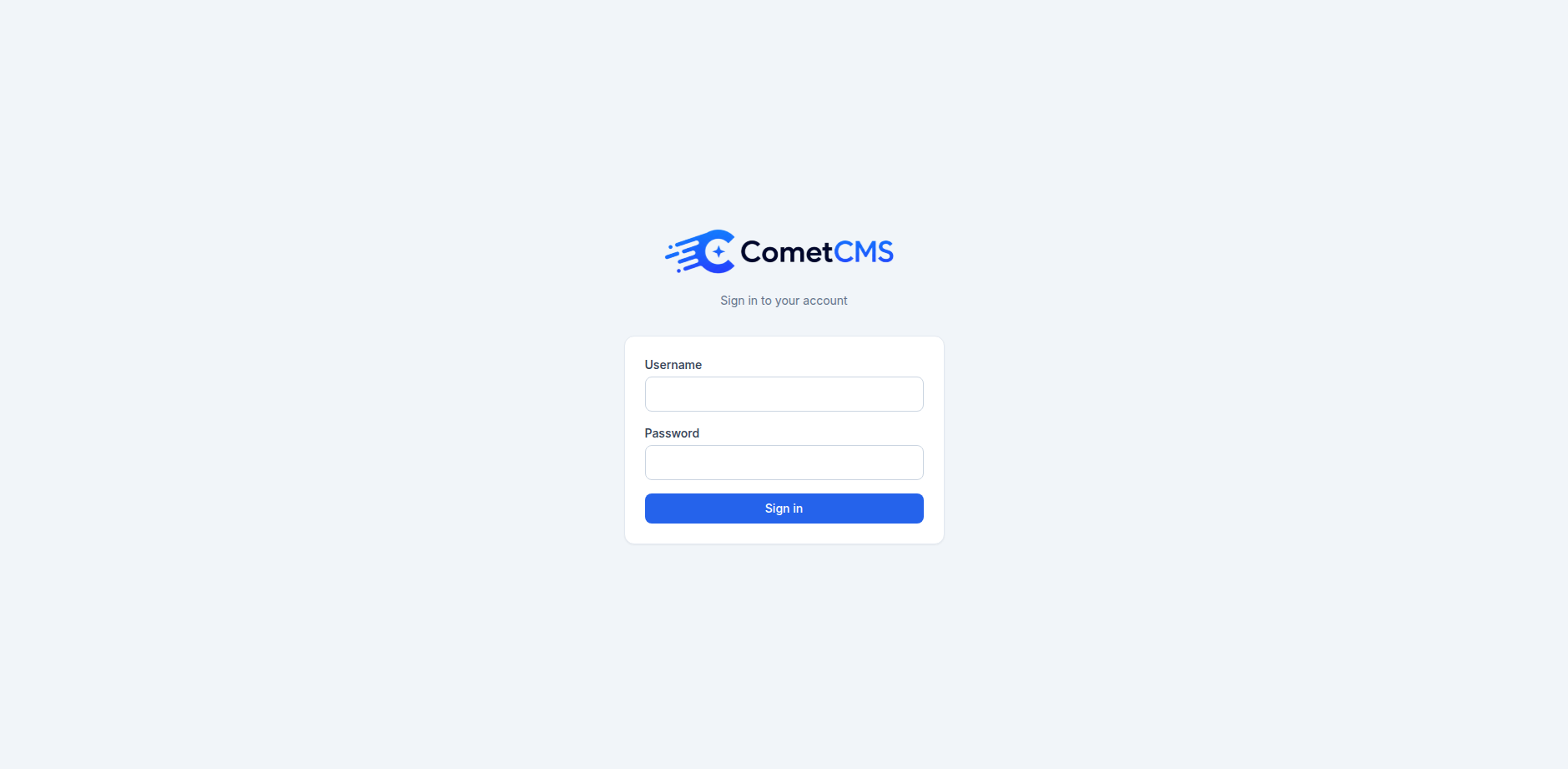
The admin panel is always available at:
https://yourdomain.com/adminLogging in
Enter your username and password. Sessions are server-side (PHP sessions stored in cms/storage/sessions/).
After login, you can add more workspaces in Settings -> Workspaces. See Workspaces for routing, isolation, and permission scoping details.
Your profile
Click your name or avatar in the bottom-left corner of the sidebar to open your profile page where you can:
- Upload or remove your profile picture
- Change your display name and email address
- Set a new password (requires entering your current password first)